01
Smart storage cleaning
Fast one-tap scan
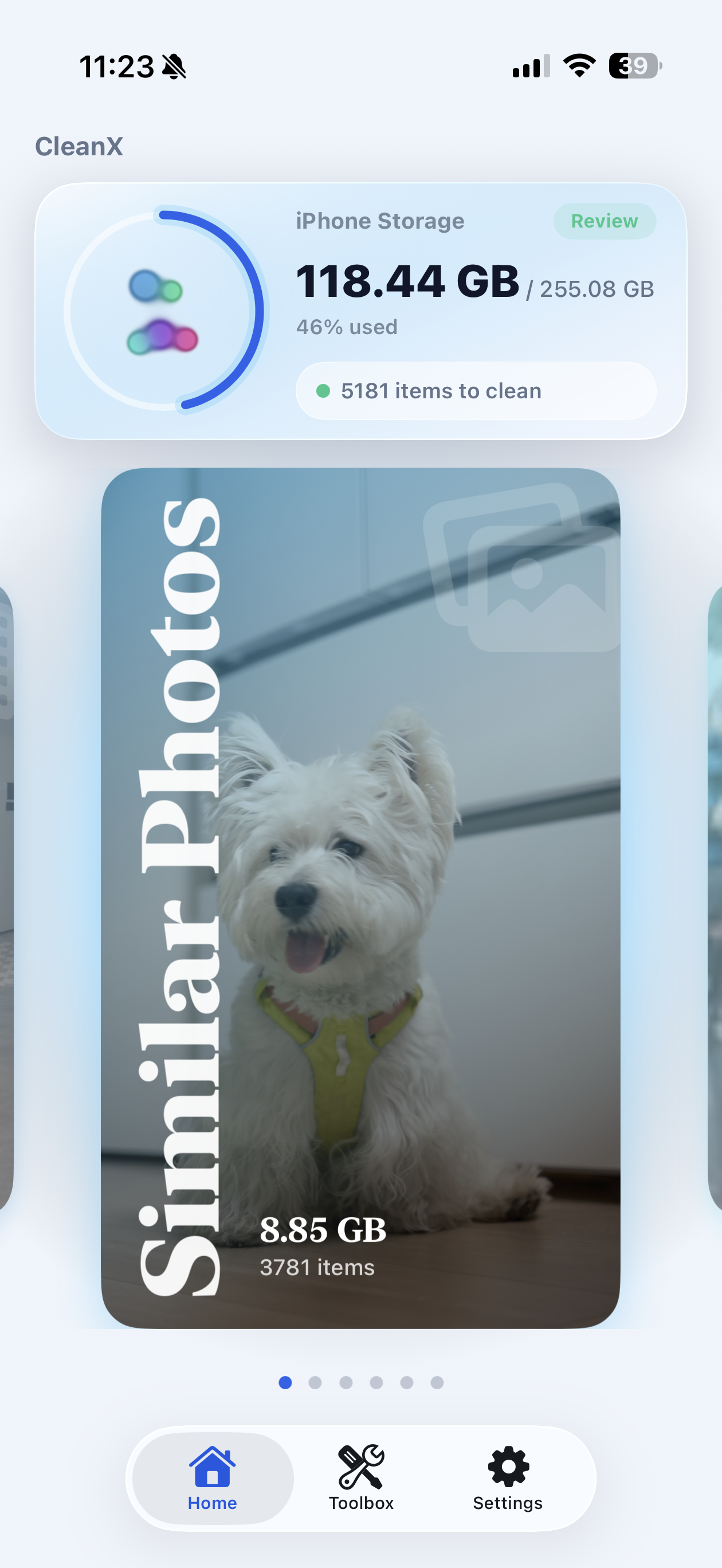
Quickly analyze storage usage, flag clutter, and surface smart suggestions so cleanup starts with an overview instead of a blind delete list.
Clear Clean Maste helps you scan storage, spot duplicates, review large videos, and organize photo libraries without sending your personal media anywhere else.
Local scan
0
Potential cleanup items surfaced from the product UI example.
Duplicate groups
0
Review-first cleanup so you stay in control before deleting.
Private vault
Face ID
Sensitive content stays behind a separate privacy layer.
Feature sweep
The product screens focus on practical cleanup moments: duplicate photos, large videos, media organization, and quick tools that help you recover space without guessing.
01
Quickly analyze storage usage, flag clutter, and surface smart suggestions so cleanup starts with an overview instead of a blind delete list.
02
Group similar or duplicate photos so you can compare visually, keep the right moments, and remove the rest with more confidence.
03
Spot oversized videos that quietly consume storage and sort them into an easier review flow before you decide what stays.
04
Organize media by date and category so the library feels navigable again, even before you start removing anything.
05
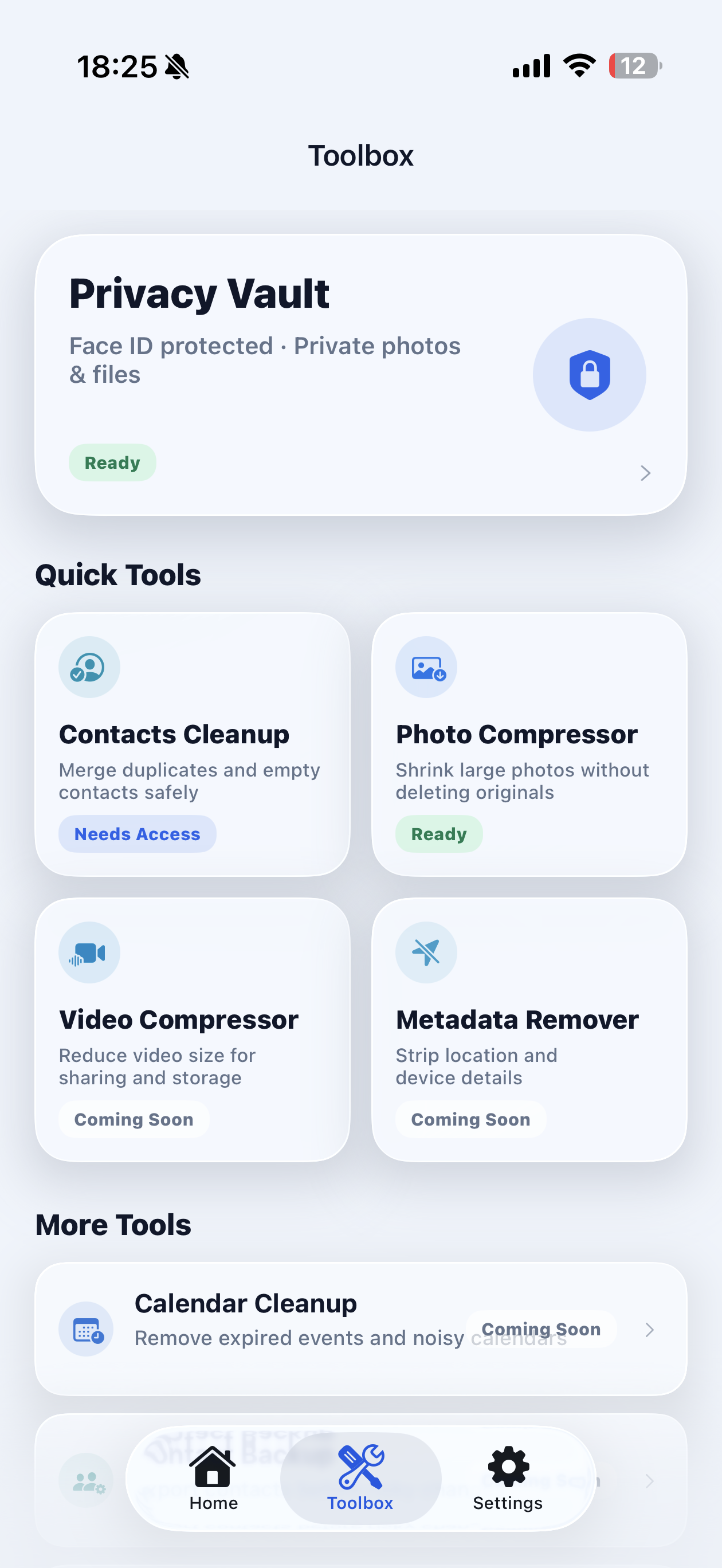
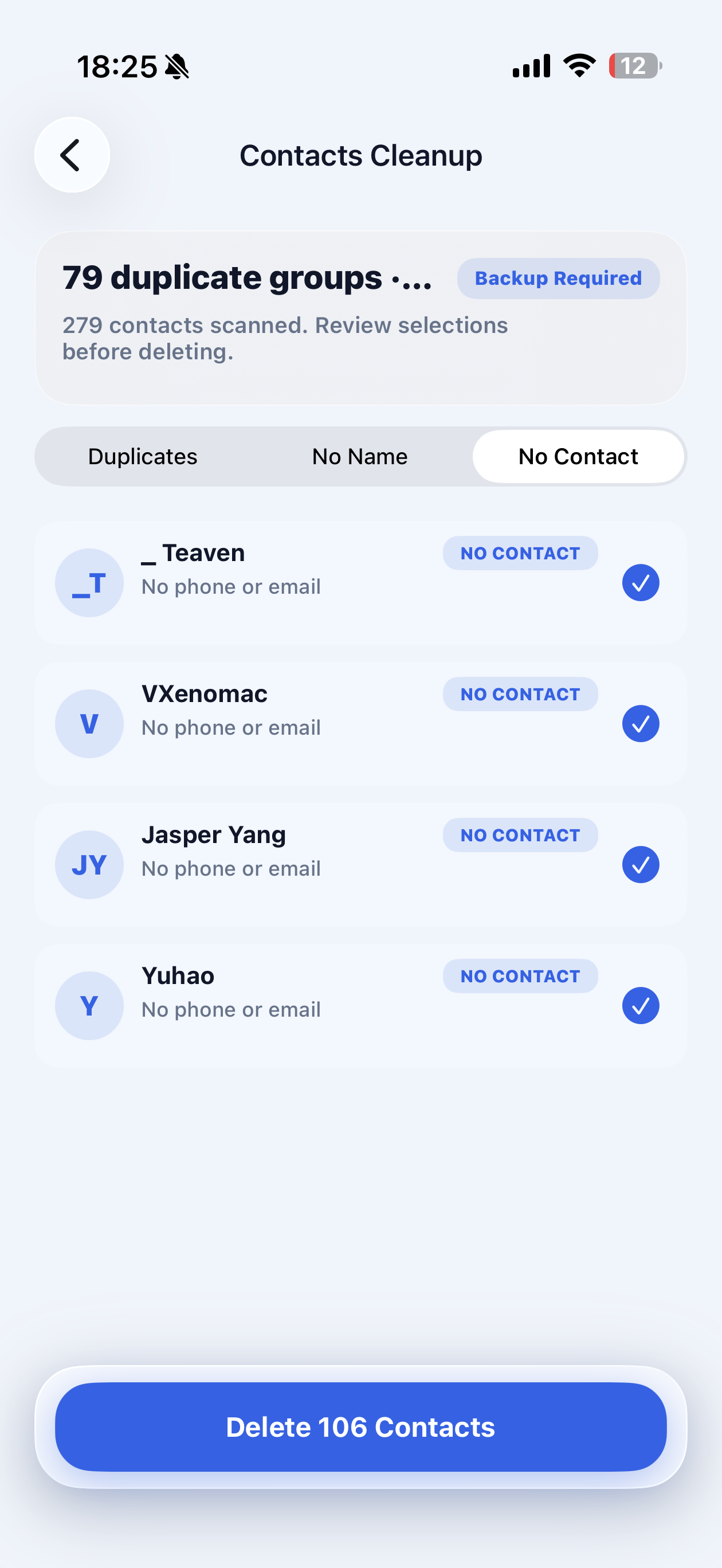
The provided screens also show supporting tools like contacts cleanup, compression, and metadata removal for a broader cleanup routine.
Flow
This structure follows the app story shown in the screenshots: scan first, review carefully, then clean with visibility into what is changing.
Step 1
Launch a fast storage review to surface unnecessary files, duplicates, and large media.
Step 2
Compare groups, inspect contacts, and confirm what you actually want to remove or keep.
Step 3
Apply the final cleanup with more confidence, knowing your personal media stayed on device during processing.
Everyday use
Duplicate pet photos, giant clips, old contacts, scattered screenshots. Clear Clean Maste turns that pile into a sequence you can inspect calmly instead of a cleanup you have to rush through.
Why choose it
Shown in product UI
Privacy and security
The provided privacy text states that photo and video processing is performed locally. The app does not upload, store, or share those media files on external servers, while limited device information may be used for optimization and compatibility improvements.
Photos and videos
Access is used locally for duplicate detection, large file identification, and cleanup support.
Device info
Limited technical data can support bug fixing, performance optimization, and compatibility work.
Third-party services
Analytics and crash reporting may be used with anonymized technical data, not personal media files.
Support
Questions about privacy or terms can be directed to support@mixtoolone.com.
Contact us
Reach out for support, privacy questions, or product feedback. This contact form is frontend-only for the landing page preview.
Support email
support@mixtoolone.com